
Pick a robot vacuum that fits your floors, pets, and budget
Plain-English guides and side-by-side comparisons of robot vacuums and vacuum-mop combos: how they navigate, what the dock does, and which filters, bags, and pads you'll keep replacing.
Robot vacuums and mop combos at a glance
Ranked by Google Shopping shopper ratings and review counts
Shopper rating on Google Shopping
Some links on this site are affiliate links: if you buy through them we may earn a commission at no extra cost to you.
Find the Right Robot Vacuum for Your Home
Mark what matters to you and the list of matching models re-sorts right away.
Best matches
No exact match — showing the closest options.
-
1
Robot Vacuum
Shark Navigator RV2110
The Shark Navigator RV2110 robot vacuum has SmartPath Navigation, a self-cleaning brushroll and a HEPA filter.
$279Check price -
2
$399.99Check price
-
3
$169.97Check price
-
4
Robot Vacuum and Mop
Dreame D30 Ultra
The Dreame D30 Ultra offers 25,000Pa suction, edge cleaning and a PowerDock with up to 100-day auto-empty, mop washing and drying.
$496.79Check price -
5
Robot Vacuum and Mop
Roborock Qrevo S Pro
The Roborock Qrevo S Pro has 18,500 Pa suction, an anti-tangle side brush, high-temperature mop cleaning and app control.
$499.99Check price$699.99 -
6
Robot Vacuum and Mop
Shark Stratos
The Shark Stratos vacuums and sonic mops with a base that empties, refills, washes and dries the mop automatically.
$599.99Check price$799.99 -
7
Robot Vacuum and Mop Combos
Roborock Qrevo Series
Robot vacuum and mop with 10,000Pa suction, an anti-tangle brush and a multifunctional dock.
$579.99Check price$629.99 -
8
Robot Vacuum and Mop
Roborock QV 35A
The Roborock QV 35A combines 8000 Pa suction, vacuuming and mopping with a multifunctional docking station.
$449.99Check price$649.99 -
9
Robot Vacuum and Mop
Dreame L10s Ultra Gen 2
The Dreame L10s Ultra Gen 2 has 10,000Pa suction, mop extension and a base that handles dust disposal, water refilling and mop cleaning.
$379.99Check price$799.99 -
10
Robot Vacuum
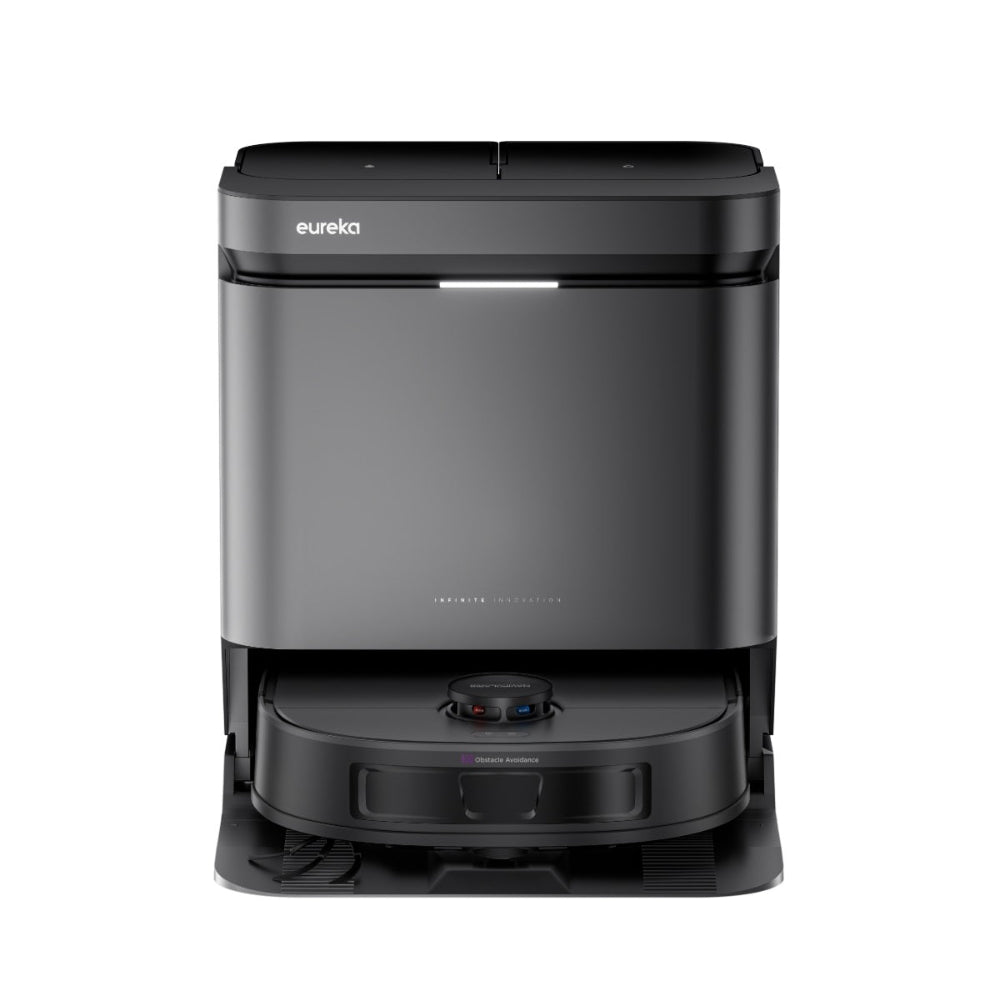
Eureka J15 Evo Ultra
Cordless self-emptying robot vacuum with Google Assistant and Amazon Alexa support.
$599.99Check price -
11
Robot Vacuum and Mop Combos
MOVA P10 Pro Ultra Gen2
Robot vacuum and mop with TurboPress Technology, heated mop pad cleaning and automated dust collection.
$427Check price -
12
Robot Vacuum and Mop
Roborock Q10 S5+
Robot vacuum and mop with 10,000 Pa suction, VibraRise 2.0 Mopping, PreciSense LiDAR, and an Auto-Empty Dock.
$329.99Check price$549.99 -
13
Robot Vacuum and Mop
BISSELL FlexClean FurForce
Robot vacuum and mop with NeverTangle Brush Roll, Smart 360React LiDAR Navigation and a Self-Empty Base holding up to 8 weeks of debris.
$416.49Check price -
14
Robot Vacuum and Mop
Roborock Qrevo Series 2 Pro SE
The Roborock Qrevo Series 2 Pro SE has 19,000Pa suction, FlexiArm Edge Mopping and high-temperature mop self-cleaning.
$529.99Check price$799.99 -
15
Robot Vacuum and Mop Combos
iRobot Roomba Plus 415 Combo
Robot vacuum and mop with four customizable cleaning modes, DualClean Mop Pads, SmartScrub technology and an AutoWash Dock.
$599Check price -
16
Robot Vacuum and Mop
Roborock Saros 10
Robot vacuum and mop with 22,000 Pa suction, a 3.14-inch design and VibraRise 4.0 mopping system.
$1,299.99Check price$1,599.99 -
17
Robot Vacuums
iRobot Roomba Max 715 Vac
Robot vacuum with an AutoEmpty Dock, LiDAR mapping and PrecisionVision AI obstacle avoidance.
$499Check price$699.99 -
18
Robotic Pool Cleaners
Dolphin E10
Robotic cleaner for above-ground pool floors with an active scrubbing brush and a top-load fine filter basket.
$499Details$699 -
19
Robot Vacuum and Mop
Roborock Q7 L5
Robot vacuum and mop with 8000 Pa suction, a Dual Anti-Tangle System and PreciSense LiDAR Navigation.
$159.99Check price -
20
Robotic Pool Cleaners
Maytronics Dolphin Nautilus CC
Robotic pool cleaner with CleverClean navigation, dual scrubbing brushes and a top-load filter.
$649Check price$699 -
21
Robot Vacuum and Mop
Shark PowerDetect ThermaCharged
Robot vacuum and mop with a base that washes the mop with 185°F water, dries with 175°F air, and empties debris.
$749.99Check price$1,199.99 -
22
Robot Vacuum & Mop
bObsweep UltraVision
Self-emptying robot vacuum and mop with a 6L dust collector, LiDAR navigation, and Low-Height Object-Aware Technology.
$269.99Check price$699.99 -
23
Robot Vacuum and Mop
bObsweep UltraVision Pet
The bObsweep UltraVision Pet robot vacuum and mop has tangle-free brushes, 13,000 Pa suction and a self-empty dock.
$339.99Check price$1,299 -
24
Robot Vacuum and Mop Combos
iRobot Roomba Max 775 Combo
Robot vacuum and mop with a heated PowerSpin Roller Mop, AI mapping and dual anti-tangle brushes.
$799Check price$999.99 -
25
$1,399.99Check price
-
26
Robotic Pool Cleaners
Maytronics Dolphin Nautilus CC Plus Wi-Fi
Wi-Fi connected robotic cleaner for pools up to 50 feet with app scheduling, dual scrubbing brushes and a 2-hour cleaning cycle.
$898.99Check price -
27
Robot Vacuum and Mop
iRobot Roomba Max 875
Robot vacuum and mop with an AutoWash Dock, 80° C mopping and washing, and a retractable mop cover.
$1,199.99Check price -
28
Robot Vacuum & Mop
Roborock Q5 Pro+
Robot vacuum and mop with 5,500 Pa suction, PreciSense LiDAR Navigation, and auto-emptying.
$329.99Check price$549.99 -
29
Robot Vacuum and Mop
Dreame X40 Ultra
Robot vacuum and mop with 12,000Pa suction and a 7-in-1 self-cleaning station.
$549.99Check price$1,099.99 -
30
Robot Vacuum and Mop Combos
Roborock Q10 VF Plus
Robot vacuum and mop with 10,000 Pa suction, VibraRise 2.0 mopping and a self-emptying dock.
$399.99Check price -
31
Robot Vacuum and Mop
Roborock Saros Z70
Wet and dry robot vacuum with a foldable five-axis mechanical arm that moves obstacles out of the way.
$1,699.99Check price$2,599.99 -
32
Robot Vacuum and Mop Combos
Dreame D20 Pro Plus
Robot vacuum and mop with 13,000 Pa suction, an extending side brush and an auto-empty base.
$331.19Check price -
33
Robot Vacuum and Mop
Roborock Q10 X5+
Robot vacuum and mop with HyperForce suction, a Dual Anti-Tangle System, and an Auto-Empty Dock.
$259.99Check price$499.99 -
34
Robot Vacuum and Mop
bObsweep Dustin Plus
Self-emptying robot vacuum and mop with 8,000 Pa suction and a 1-gallon dust collection station.
$189.99Check price$749.99 -
35
Robot Vacuum
Shark IQ
Self-emptying robot vacuum with IQ NAV home mapping that recharges and resumes cleaning when its battery is low.
$130Details -
36
Robot Vacuum and Mop
Dreame X50 Ultra
Robot vacuum and mop with 20,000Pa suction, auto-emptying, mop self-cleaning, and obstacle avoidance.
$949.99Check price$1,099.99 -
37
Robot Vacuum
Dyson R1 Nurovi
Dry robot vacuum with 21,000 Pa suction, High-speed LiDAR and a self-emptying dock that stores debris for up to 90 days.
$549.99Check price -
38
Robotic Pool Cleaners
Talosbo C1
Cordless robotic cleaner for inground pools up to 1615 sq. ft. with triple motors, dual filtration and up to 180 minutes of runtime.
$299.99Check price$699.99 -
39
$449.99Check price
$649.99 -
40
Robot Vacuum and Mop
Roborock Qrevo Curv 2 Flow
Robot vacuum and mop with a roller mop refreshed in real-time, 8 clean-water hydration points and AI dirt recognition.
$699.99Check price$999.99 -
41
Robot Vacuum and Mop
Dreame X60 Max Ultra Complete
The Dreame X60 Max Ultra Complete combines obstacle avoidance, extendable edge-cleaning components and an automated multifunctional dock.
$1,563.99Check price -
42
Robot Vacuum and Mop
Shark Matrix Plus
The Shark Matrix Plus vacuums and sonic mops, empties its own dustbin and uses 360 LIDAR vision for home mapping.
$149.99Check price$359.99 -
43
Robot Vacuum and Mop
eufy C28
Robot vacuum and mop with a HydroJet Self-Cleaning Roller Mop and a 5-in-1 Omni Station for dust emptying, mop washing and drying.
$799.99Check price -
44
Robot Vacuum and Mop Combos
iRobot Roomba 105 Combo
Robot vacuum and mop with ClearView LiDAR, an edge-sweeping brush and a microfiber mop pad.
$179.99Check price$319.99 -
45
Robot Vacuum
Shark Matrix rv2310ae
Self-emptying robot vacuum with 360° LiDAR mapping and a bagless base that holds up to 45 days of dirt and debris.
$329.99Check price$499.99 -
46
Robotic Pool Cleaners
Maytronics Dolphin Explorer E20
Robotic pool cleaner that scrubs floors and walls with an active scrubbing brush and top-load fine filters.
$668Check price -
47
Robot Vacuum and Mop
Roborock Q7 M5+
The Roborock Q7 M5+ combines 10000 Pa suction, a Dual Anti-Tangle System, three water flow levels and 360° LiDAR navigation.
$249.99Check price$429.99 -
48
Robot Vacuum and Mop
Dreame L40 Ultra Gen 2
The Dreame L40 Ultra Gen 2 has 25,000 Pa suction, an extendable side brush and mop, camera-free navigation and a self-cleaning dock.
$499.98Check price$569.98 -
49
Robot Vacuum and Mop
MOVA Mobius 60
Robot vacuum and mop with 30,000Pa suction, auto-interchangeable mop pads and a liftable navigation system.
$849Check price$1,299 -
50
Robot Vacuums
Shark Navigator
Robot vacuum with Smart Path Navigation, object avoidance and a self-empty base for carpets and hard floors.
$449.99Check price -
51
$365Check price
-
52
Robot Vacuum and Mop
Dyson Spot+Scrub AI
Wet and dry robot vacuum with automatic suction adjustment and a self-cleaning wet roller.
$849.99Check price$1,199.99 -
53
Robot Vacuum and Mop
Teendow
Robot vacuum and mop combo with 8000Pa suction, Smart App/Voice Control and self-charging.
$105.99Check price$504.50 -
54
Robot Vacuum & Mop
iRobot Roomba Plus 515 Combo
Robot vacuum and mop with lifting mop pads and an AutoWash dock that empties debris, washes mop pads, and refills water.
$599.99Check price -
55
Robotic Pool Cleaners
Aiper Scuba 800
Cordless robotic cleaner for flat above-ground pools with 90 minutes of cleaning, dual-drive motors and auto-parking.
$129.99Check price$139.98 -
56
Robot Vacuums
iRobot Roomba 105 Vac
Robot vacuum with ClearView LiDAR, room targeting, spot cleaning and keep-out zones.
$159.99Check price$299.99 -
57
Robot Vacuum
Dyson 360 Vis Nav
The Dyson 360 Vis Nav robot vacuum uses 26 sensors, 360° navigation and the MyDyson app for home mapping and cleaning control.
$299Check price$369 -
58
Robot Vacuum and Mop
Matic
Matic is a cordless robot floor cleaner that vacuums and mops and is assembled in America.
$1,495Check price -
59
$1,008.48Check price
-
60
Robot Vacuum and Mop
Tapo RV30 Max Plus
The Tapo RV30 Max Plus is a vacuum and mop with a self-emptying dock, Anti-Drop protection and Smart Recharge & Resume.
$249.99Check price$329.99 -
61
Robot Vacuum and Mop Combos
Tapo RV50 Pro Omni
Robot vacuum and mop with a self-emptying dock, HEPA filter and Google Assistant and Amazon Alexa support.
$599.99Check price$699.99 -
62
Robot Vacuum and Mop Combos
eufy E28
Robot vacuum and mop with 20,000 Pa suction and a roller mop with HydroJet System.
$999.99Check price -
63
Robot Vacuum and Mop
eufy Omni S2
Robot vacuum and mop with 30,000 Pa suction, a HydroJet 2.0 self-cleaning roller mop and 140°F hot-water washing.
$1,399.99Check price
Some links on this site are affiliate links: if you buy through them we may earn a commission at no extra cost to you.
Read these before you buy
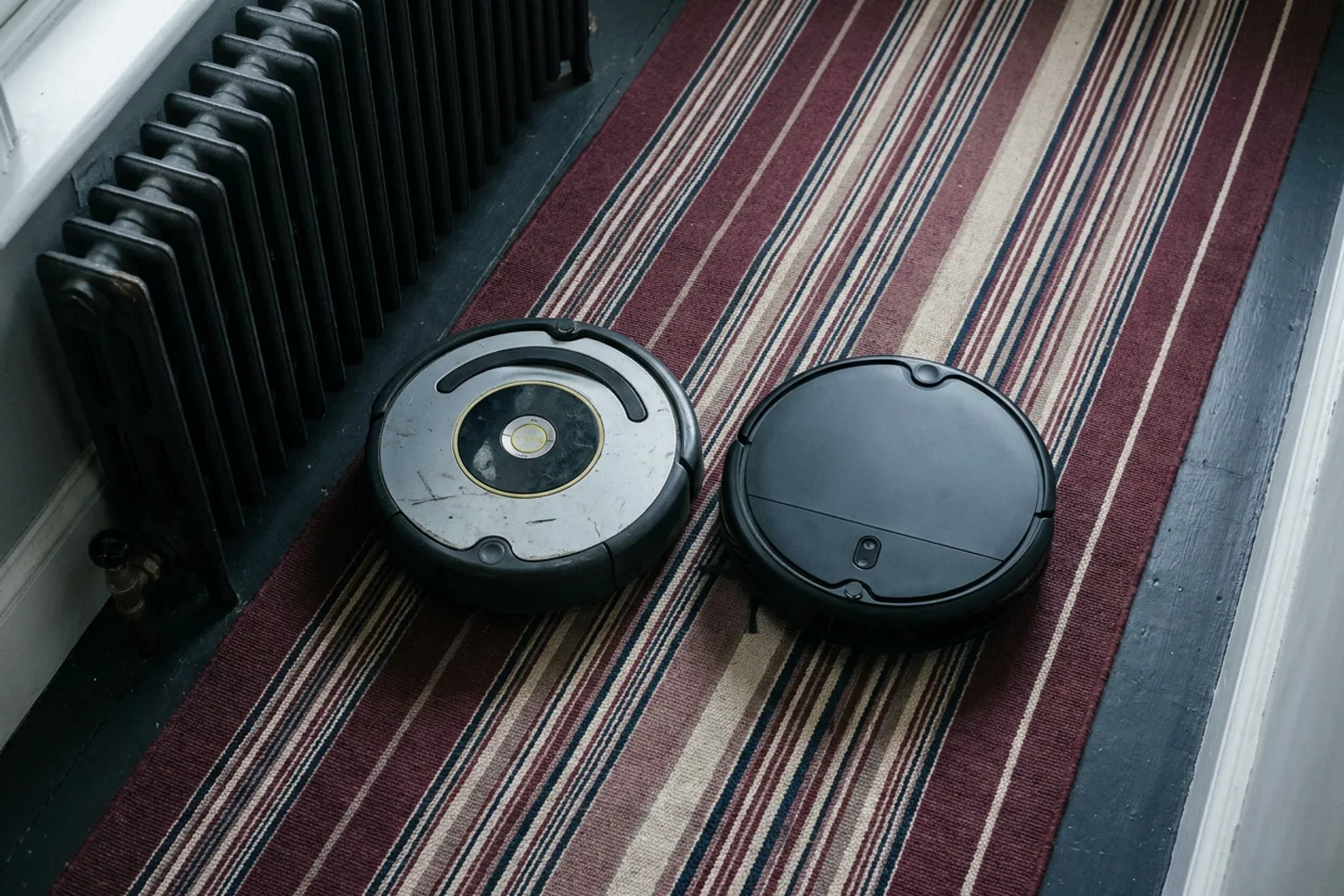
Which iRobot Roomba Robot Vacuum Should You Buy? Models Compared
iRobot Roomba robot vacuums compared: how each model differs, shopper ratings, upkeep, and which Roomba fits your floors, pets and budget.
ReadDreame X50 Ultra Robot Vacuum Review: Is It Worth Buying?
Dreame X50 Ultra robot vacuum review: specs, owner ratings, upkeep, who it suits and who should skip it, plus alternatives to compare.
Read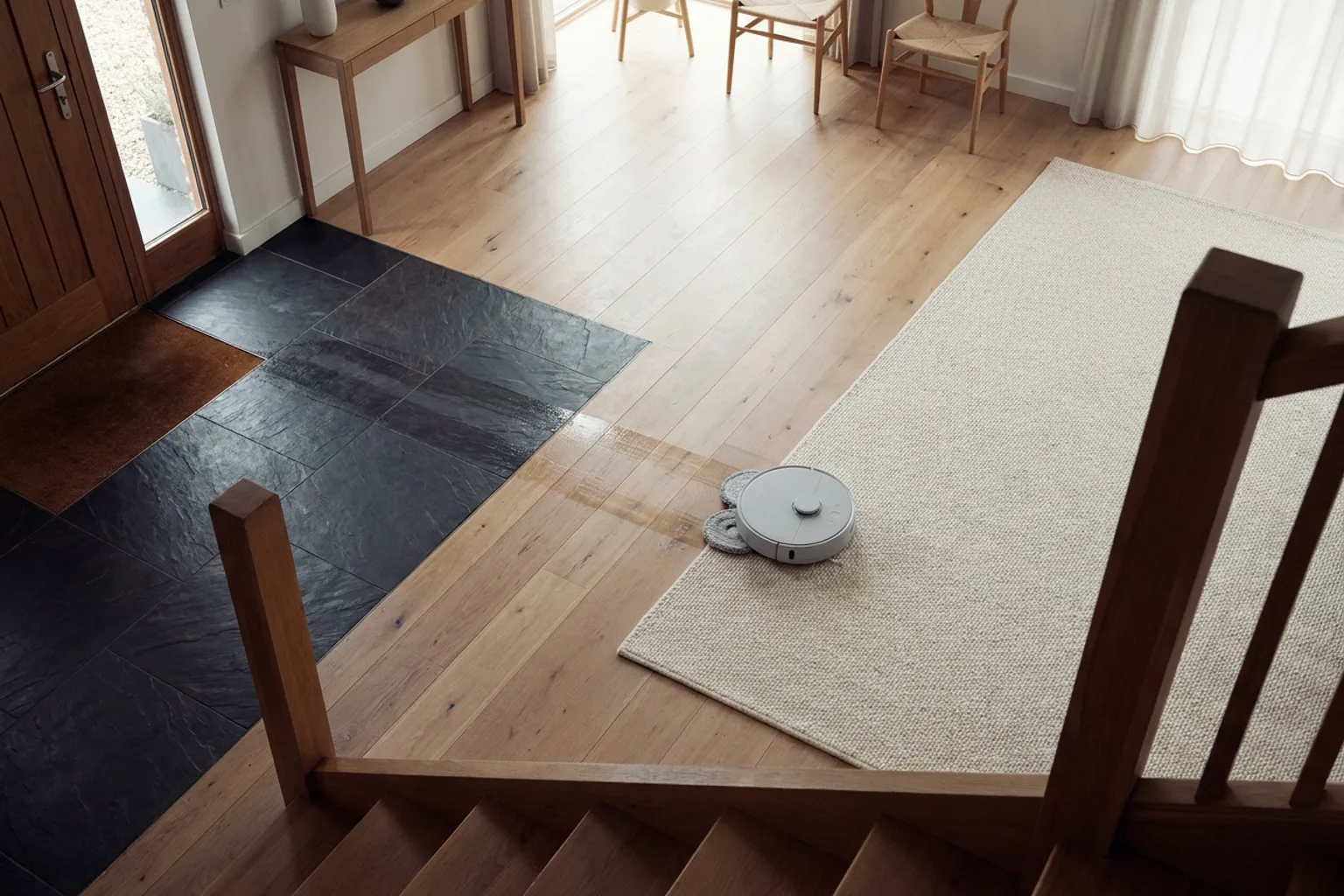
Robot Vacuum and Mop: Find the Combo That Fits Your Floors
Shopping for a robot vacuum and mop? Compare simple combos with self-washing docks, see what to check for rugs and upkeep, and pick the right fit.
Read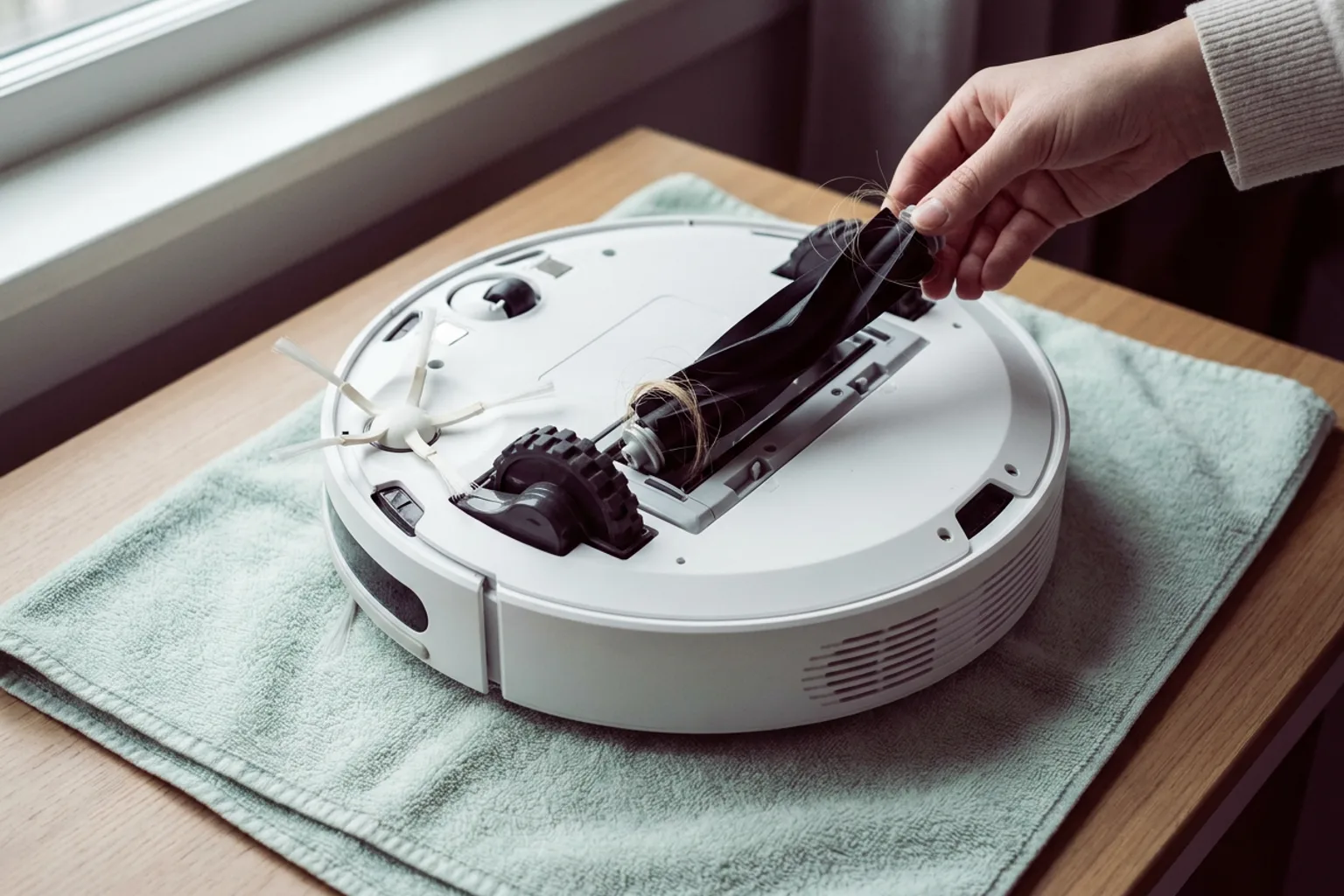
How Robot Vacuums Work: Brushes, Sensors, Maps and Docks Explained
How do robot vacuums work? A plain-English look at sensors, lidar and camera maps, mop pads, stairs and docks, plus a checklist before you buy.
ReadRobot Vacuum Discounts and Prices — October 2026
63 models with prices; prices checked daily. This page lists shop discounts and the cheapest model in each category.
ReadFind the Right Robot Vacuum for Your Home
Answer a few questions about your home and cleaning routine to find robot vacuums and mop models that match your needs.
ReadA robot vacuum is a battery-powered cleaner that steers itself around your floors, cleans on a schedule and returns to its dock to recharge. Many models also empty their own bins or mop. The right one depends less on the brand than on four things: your floors, your pets, how much upkeep you'll accept and your budget.
What you'll find on RobotPicks
Retail listings use different names: robotic vacuum cleaner, vacuum robot, autonomous vacuum. Whatever the name, the same features and running costs decide whether it suits your home. Here's what the site covers:
- Comparisons by need: vacuum-only, self-emptying, mop combos, pet hair and budget models.
- Plain-English explainers on navigation, suction, docks and mopping.
- Ownership details that are easy to miss on product pages: parts, dock upkeep, warranty and app support.
- News on launches and price drops.
Picks draw on published specs, manufacturer documentation and long-term running costs. Some buttons lead to partner retailers, and we may earn a commission.
How do robot vacuums work?
Every robotic vacuum does the same core job:
- A side brush sweeps debris away from walls into the path of a main roller.
- Suction lifts it into an onboard bin.
- Cliff sensors keep the robot from tumbling down stairs.
What separates models:
- Navigation. Lidar (usually a round turret on top) or camera-based systems build a map. The robot can then clean in tidy rows and target specific rooms. Budget models may use gyroscopes and bump sensors without saving a map.
- Obstacle avoidance. Front-facing sensors or cameras help many models steer around cords, socks and pet messes. How reliably they do it varies by model.
- The dock. A basic dock only charges. Self-emptying docks pull debris from the robot's bin into a bag or larger container. Mop docks can also wash and dry pads and refill the robot's water tank.
Go deeper with how robot vacuums work, and set expectations with where robot vacuums still struggle.
How to choose the best robot vacuum
Start with your home, not the suction number. Suction figures (in pascals, Pa) are manufacturer claims, so treat them as a rough guide.
| Your home | Prioritize | Watch for |
|---|---|---|
| Mostly hard floors | Mopping, plus a dock that washes and dries the pads | Area rugs: the mop should lift or stay in the dock |
| Mostly carpet | Carpet detection that boosts suction; a vacuum-only model may be enough | Fringe and deep pile; some cliff sensors read very dark rugs as a drop |
| Cluttered floors | Camera- or sensor-based obstacle avoidance | Bump-only models that snag cords |
| Tight budget | Dependable navigation and affordable parts | Brands with no US parts or support |
Before you buy, measure two things: the clearance under your sofa and bed, and your tallest door threshold. Compare them with the robot's height (including any lidar turret) and its listed climbing height. Spec sheets sometimes use millimeters: 25.4 mm is 1 inch.
Robot vacuum and mop combo
A combo earns its keep in homes with lots of hard flooring. Mop systems range from a simple dragged pad to vibrating pads, spinning pads and roller mops.
The dock matters as much as the robot, because damp, unwashed pads can smell. Even a self-washing dock needs its dirty water emptied and clean water topped up, unless it has a direct water hookup. Compare mop combos by mop type, dock and price.
Robot vacuum for pet hair
Long hair and fur can wrap around bristle rollers, so look for rubber or tangle-resistant designs. A self-emptying dock spares you from dumping a small onboard bin by hand. If accidents happen, choose obstacle avoidance the maker says recognizes pet waste. For allergies, check the filter type and whether the dock uses sealed bags.
Start with our robot vacuum for pet hair pick and confirm those details on the listing.
Roomba vs Roborock
Each brand sells several lines at different price points, so compare specific models rather than logos. Line them up on navigation, obstacle avoidance, dock features and mop system. A robot relies on its app and parts for years, so check each maker's US support page for warranty terms and parts availability.
What it costs to keep a robot running
The purchase price is only part of what a robot vacuum cleaner costs. Side brushes, main rollers, filters, dock bags, mop pads and cleaning solution wear out or run out. Many apps track part wear for you. Check the manual's replacement intervals and price a year of parts before you buy, because that can change which model is the better value.
When you reorder, pick a replacement brush and filter kit that lists your exact model number. Parts often differ between series, even within one brand.
Robot vacuum questions, answered plainly
Are robot vacuums worth it?
How long does a robot vacuum last?
Do robot vacuums need Wi-Fi?
How often should you run a robot vacuum?
Can one robot vacuum clean a multi-story home?
Do robot vacuums with cameras record your home?
Choose once, then let it run
The buying guide walks you through navigation, mopping, docks, and upkeep in the order that matters.